

This page matches SDK 2.0.0. Auth: Auth & License. Makeup / reshape enums: Parameter enums.
Environment Requirements
- macOS Version:
macOS 10.15and above - Development Language:
Objective-C(AppKit /NSImage) - Architecture Support:
x86_64,arm64(Apple Silicon)
Get Sample Source Code
Clone the GitHub repository locally, and navigate to thedemo/macos directory.
Configure Application Information and Keys
Bind Application Bundle ID
Follow Bind Application Information to bind your macOS application Bundle ID in the console, for example:com.example.app.
Get credentials
Follow Get AppID and AppKey to obtainappId and appKey. Open demo/macos/FBExampleObjc/BeautyCameraViewController.m and set credentials on FBEngineConfig.
Run the Project
Opendemo/macos/FBExampleObjc.xcworkspace.
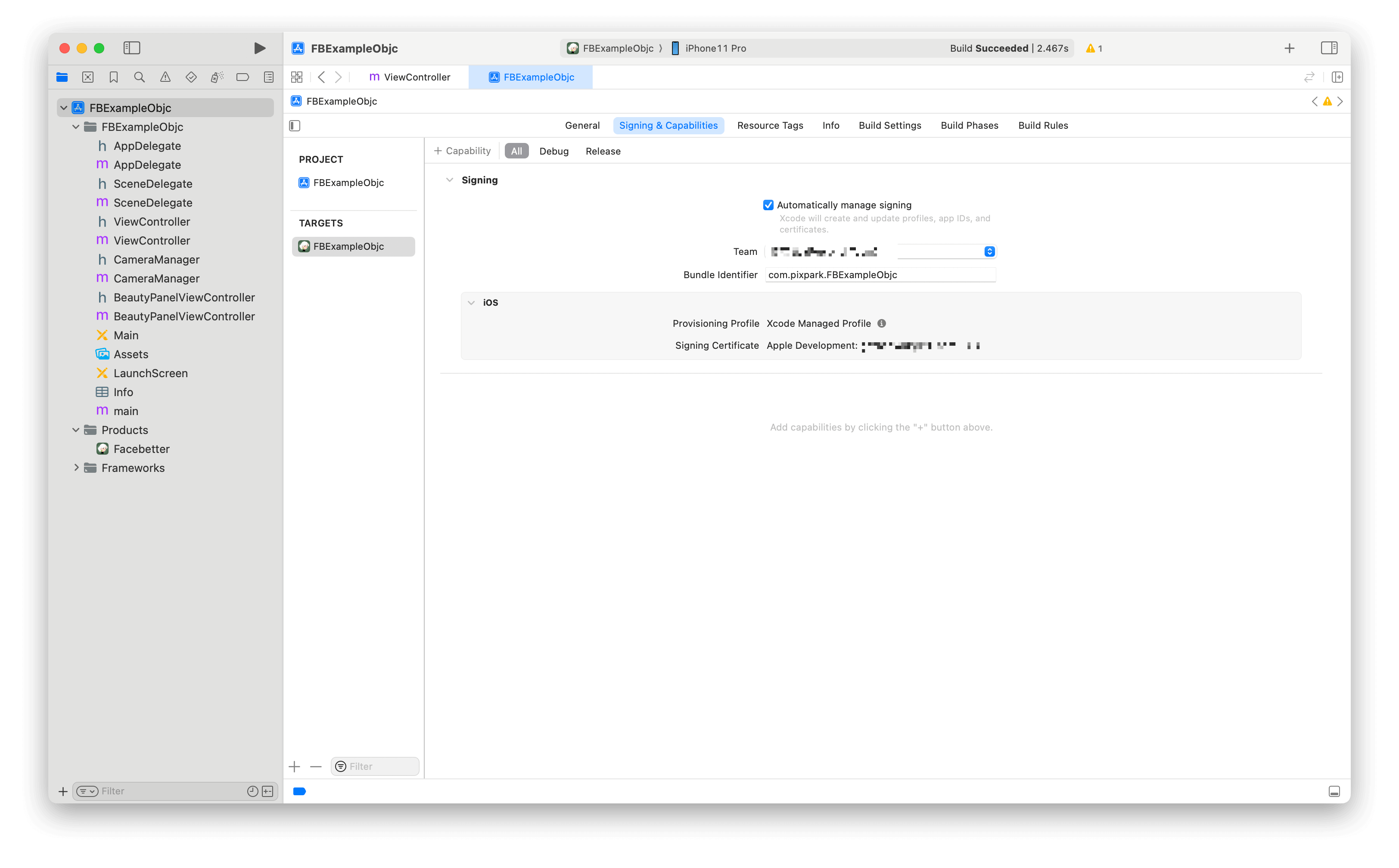
- Ensure Xcode project signing is correct.
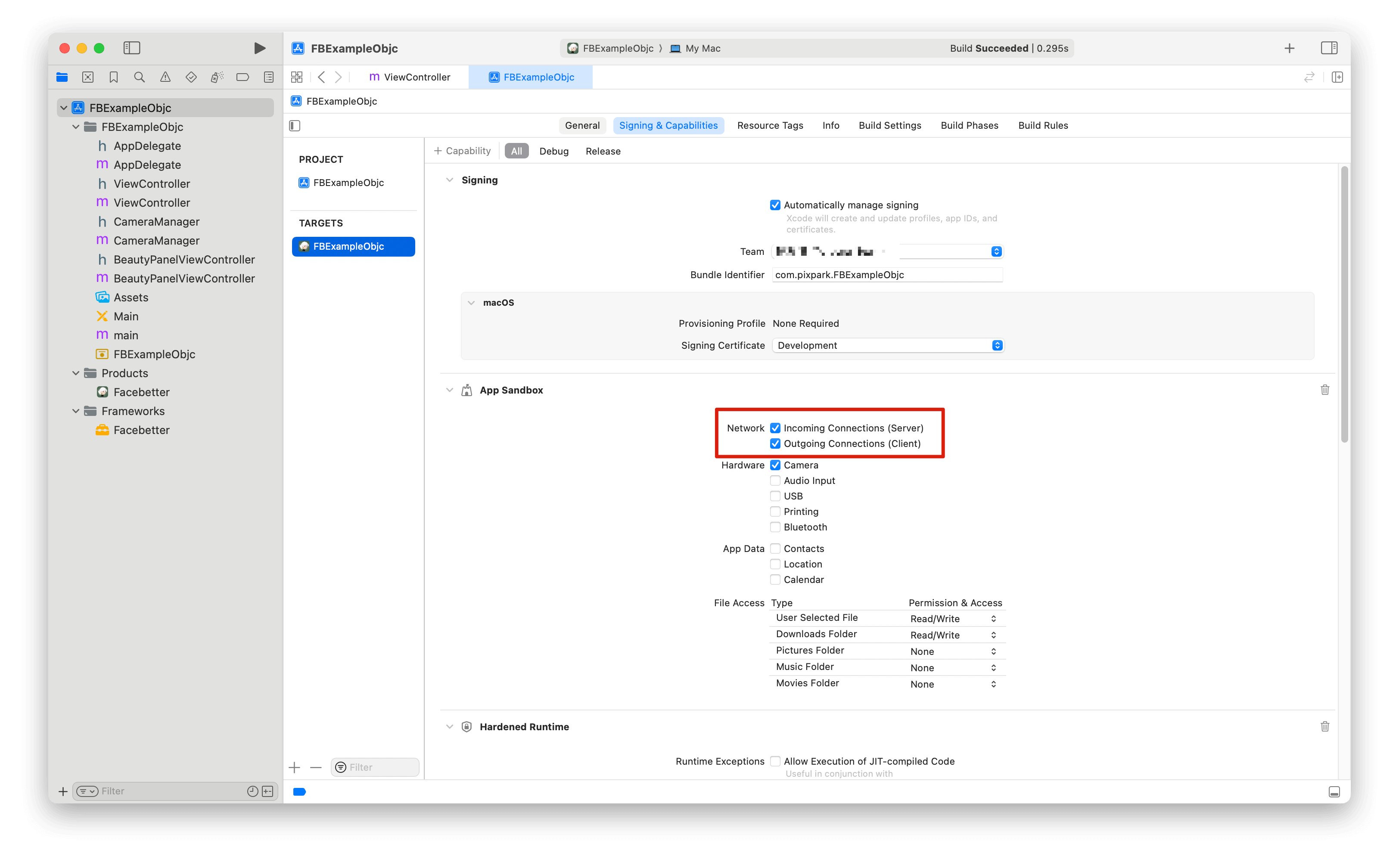
- Allow outgoing network access if you use online
appId/appKeyauth (App Sandbox).
- Build and run.