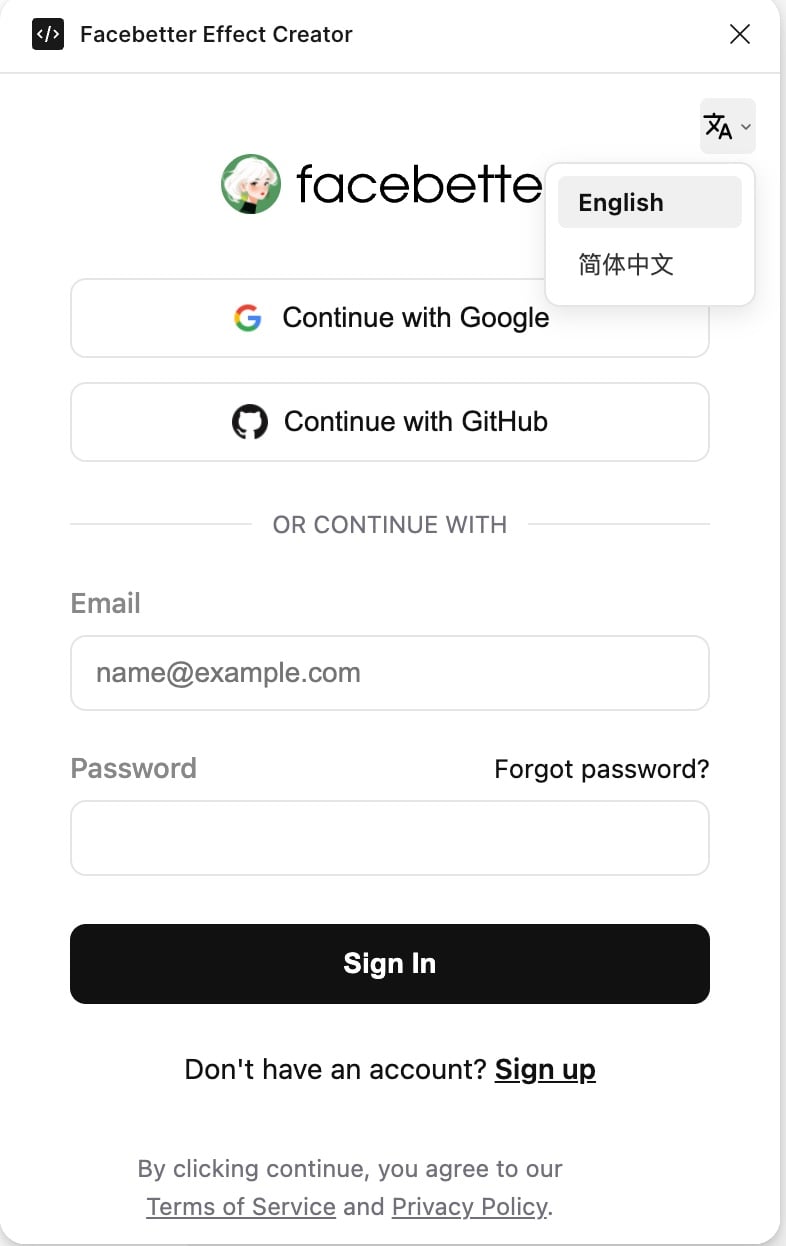
Login and Language Settings
The plugin must be logged in before it can be used. You can log in using a Facebetter account or email, or use social accounts such as Google or GitHub.- Launch Plugin: Run the Facebetter Effect Creator plugin in Figma.
- Login: Supports Google, GitHub, or email login.
- Language Switching: Click the dropdown menu icon at the top of the interface to switch between Simplified Chinese and English.
Install Plugin
Click this link: Plugin, or search for “Facebetter Effect Creator” in Figma, click “Open In” to open the plugin in an existing document or a newly created design document. A new blank document is recommended.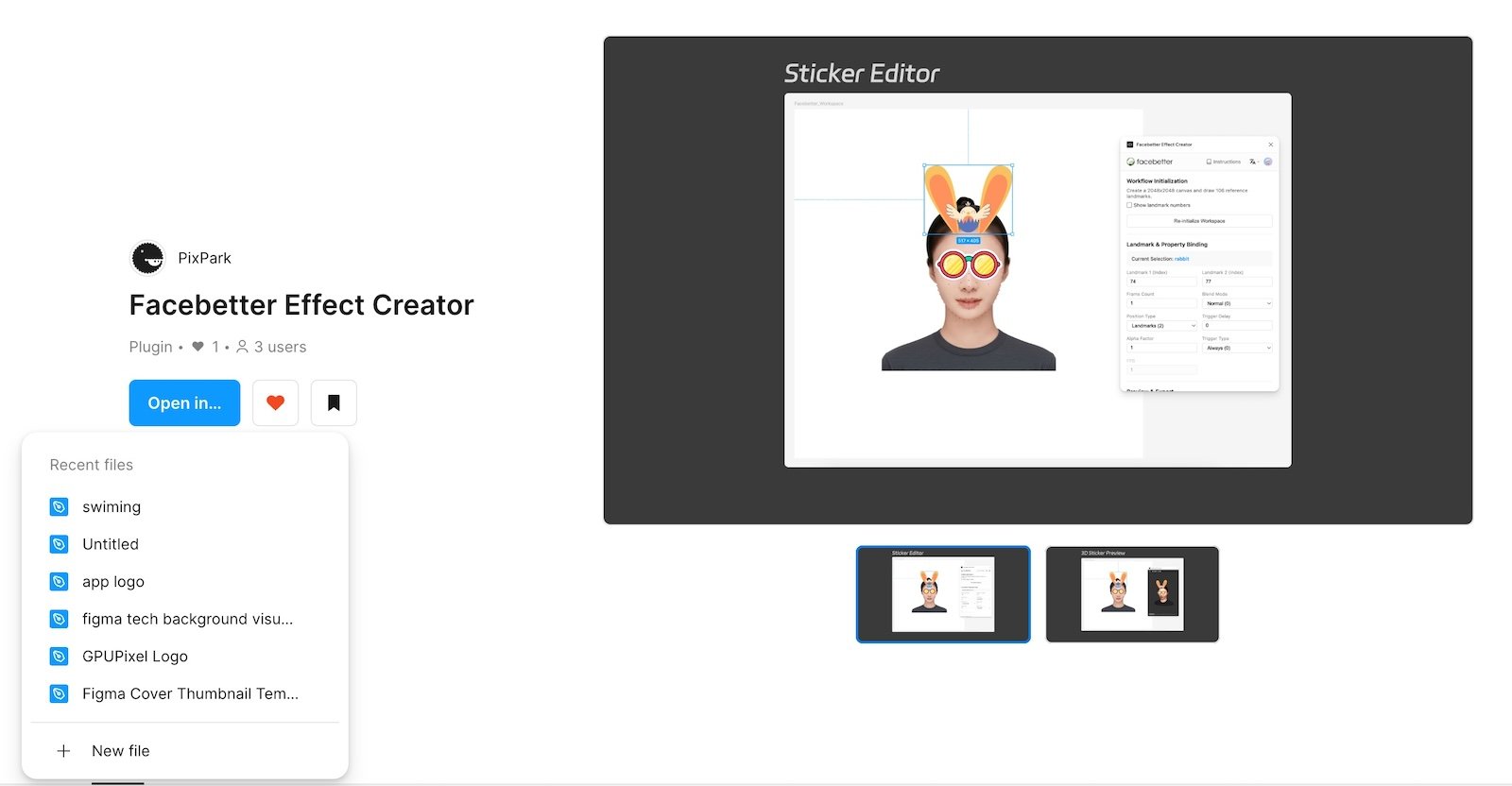
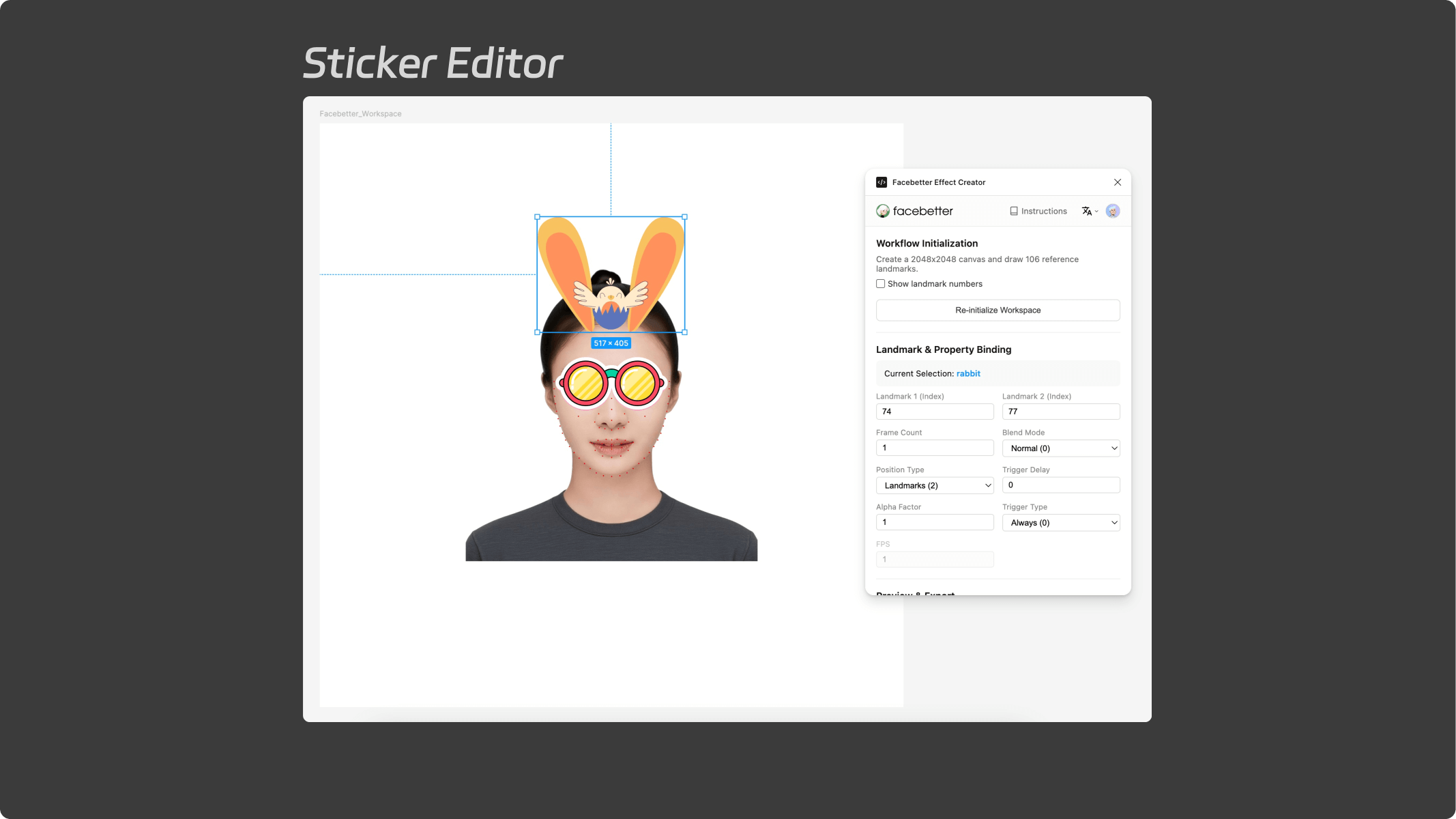
Attribute Editing
3D Preview